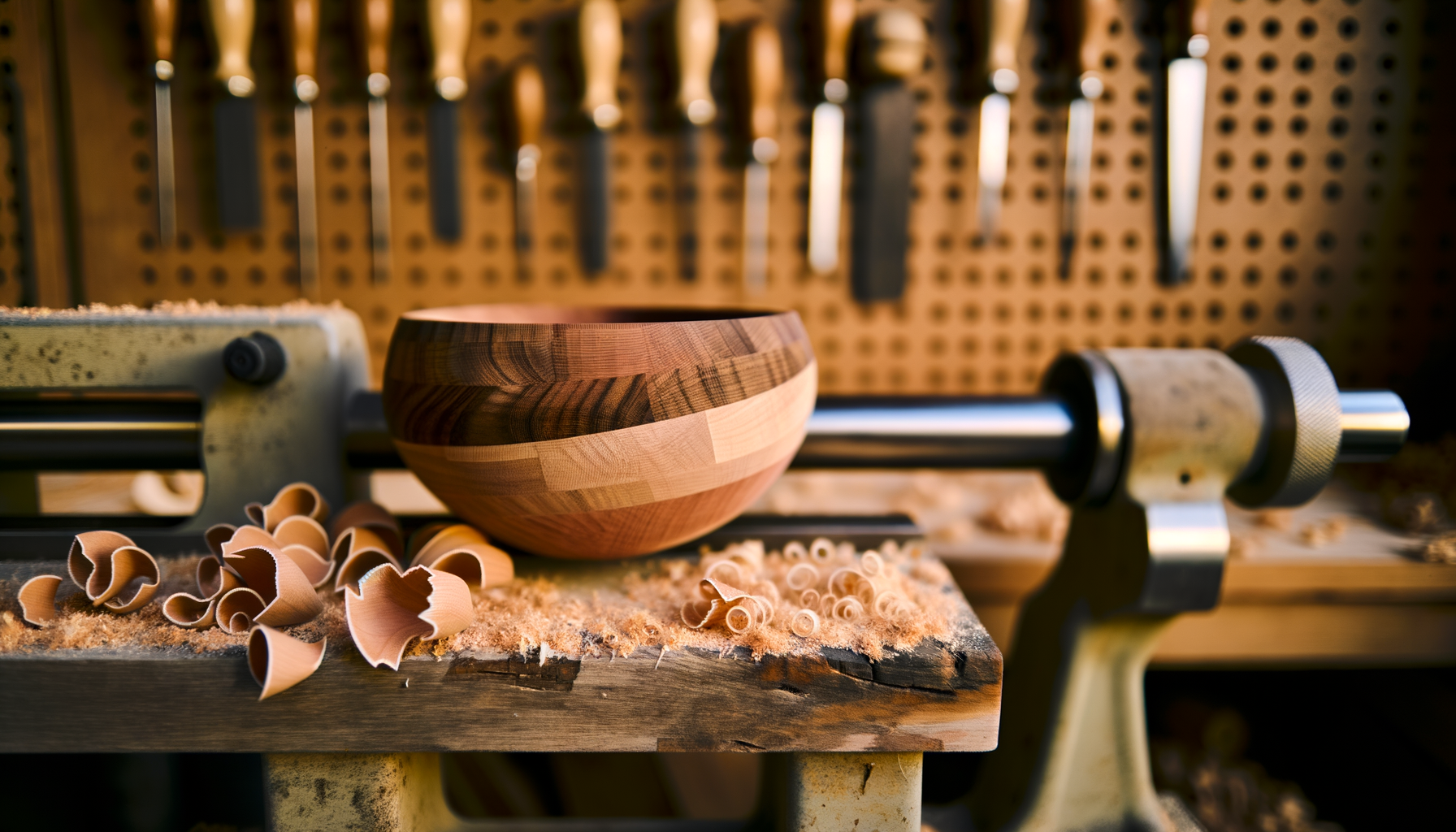
A segmented bowl mid-turn on a lathe with shavings on the bench

Now in private beta  ·  Looking for testers

Workshop tools that
work like you do.

A free shop assistant for woodworkers. Built in a workshop, not a conference room. 45 tools, no ads, no tracking, works offline.

Free during beta  ·  Web today, Android & iOS soon  ·  Your data stays on your device
What is this?

A workshop full of tools, in your pocket.

OneCut Shop is what I wish I had when I started woodworking. Every time I needed to figure out a miter angle for a segmented bowl, calculate how much epoxy to mix, or remember which dovetail angle works best for hardwood, I'd end up with seventeen browser tabs open and a notepad full of scribbled math.

So I built one app that does all of it. Not a SaaS platform. Not a subscription. Just a quiet, offline-first toolkit that lives on your phone or in your browser, and is there when you need it at the lathe, the saw, or the glue-up bench.

— Teagan

The tools

45 tools across 4 workshops.

Tap any category to see what's inside.

Design 6 tools
  • Segmented Turning — 9 vessel shapes, custom profile builder, lid support, 3D viewer, cut list, PDF/print
  • Cutting Board Designer — edge-grain and end-grain with drag-to-reorder strip patterns and visual previews
  • Joinery Calculator — dovetails (with SVG layout), mortise-tenon, box joints, dadoes
  • Portfolio Gallery — finished-project showcase with categories, tags, pricing, and PDF sharing
  • Table Geometry — size dining tables for seating count, leg placement, and apron dimensions
  • Chair Geometry — ergonomic dimensions for dining, desk, lounge, bar, counter, rocking, and kids chairs
Calculators 20 tools
  • Finish Calculator — 9 products, coverage, schedules, save/load, PDF/print
  • Epoxy Calculator — 9 brands, 5 project types, multi-pour support
  • Shop Cost Calculator — materials, labor, overhead, markup pricing
  • Quick Estimator — fast ballpark quotes with PDF export
  • Sawmill Yield — Doyle / Scribner / International log rules
  • Board Foot — single, batch, and reverse calculations
  • Lumber Converter — nominal ↔ S4S, quarter notation, custom rough ↔ surfaced
  • Drying Calculator — air, solar, dehumidifier, kiln, with species drying factors
  • Steam Bending — 16 species with minimum bend radius and steam time
  • Dust Collection — CFM requirements for 15 tools, 3 calculation modes
  • Unit Converter — length, area, volume (incl. board feet), weight, temperature, angle
  • Wood Weight — 35 species densities, 12% MC vs green
  • Moisture Content — measurement, prediction, EMC lookup (matches USDA tables)
  • CNC Feeds & Speeds — chipload tables for hardwood/softwood/plywood/MDF
  • Spray Booth — airflow, filter life, VOC, OSHA face velocity
  • Stain & Dye — custom mixes, dye powder ratios, coverage
  • Wood Movement — seasonal dimensional change with USDA shrinkage data
  • Lathe Speed — safe RPM by diameter and operation
  • Picture Frame — rail lengths, miter cuts, linear feet for any artwork
  • Square Footage — surface-area calculator for finishing jobs, tabletops, panels, and walls
Reference 11 tools
  • Wood Hardness (Janka) — 33 species with side-by-side comparison
  • Sharpening Guide — 29 bevel angle presets with diagrams
  • Fastener Guide — screw sizes, pilot holes, application recommendations
  • Wood Scanner — identify a species from a photo (web, beta)
  • Kiln Schedule — reference drying schedules for 8 species
  • Router Bits — profile, joinery, edge, and decorative bit reference
  • Biscuit & Domino — joint sizing with stock-thickness compatibility
  • Sandpaper Grit — grit progression suggestions and use-case reference
  • Drill Press Speeds — recommended RPM by bit diameter and material
  • Joint Strength — relative strength comparisons of common woodworking joints
  • Finishes Glossary — plain-language reference for wood-finishing terminology
Shop Management 8 tools
  • Glue-Up Timer — 10 glue types, multi-phase countdown, survives app restarts
  • Notebook — notes with tags and project linking
  • Shopping List — vendor autofill, categories, purchase tracking
  • Material Tracker — inventory and task planning with dependencies
  • Photo Gallery — categories, project linking, multi-select sharing
  • Project Manager — status tracking, link projects across modules, PDF reports
  • Tool Maintenance — sharpening and service schedules, history, intervals
  • Lumber Pricing Log — track what you've paid, see trends by species and vendor
Why it's different read this
  • Offline-first. No WiFi at the lathe? No problem. Everything runs in your browser or on your phone.
  • No tracking. No analytics, no fingerprinting, no "anonymous usage data." Your projects stay on your device.
  • No ads, no popups. Ever. Even after beta.
  • One app, not 37. Tools share data — your shopping list pulls from your project, your timer talks to your glue-up guide.
  • Built for shop hands. Big touch targets, dark mode for the workbench, fractional inches for the woodworkers who think that way.
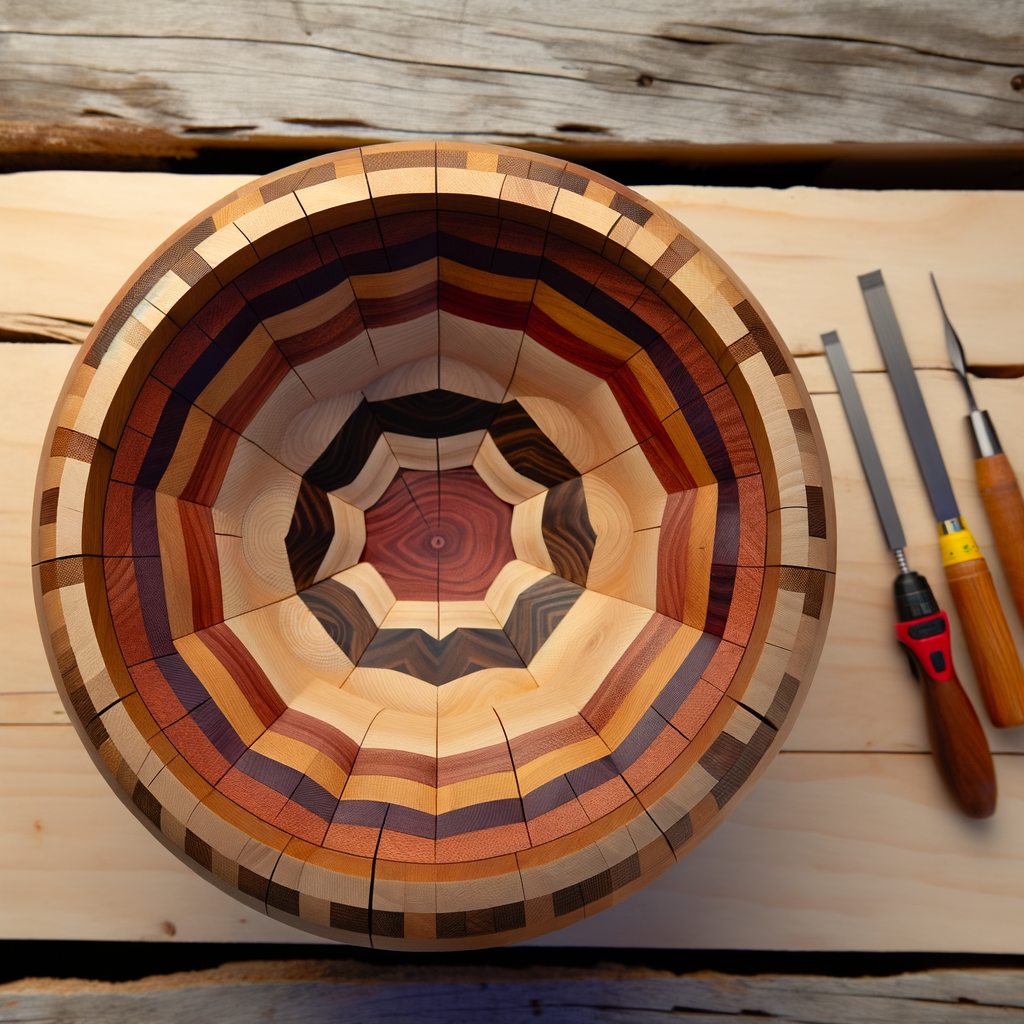
A finished segmented bowl viewed from above showing concentric wood ring patterns
Plan a segmented bowl down to the segment-by-segment cut list.
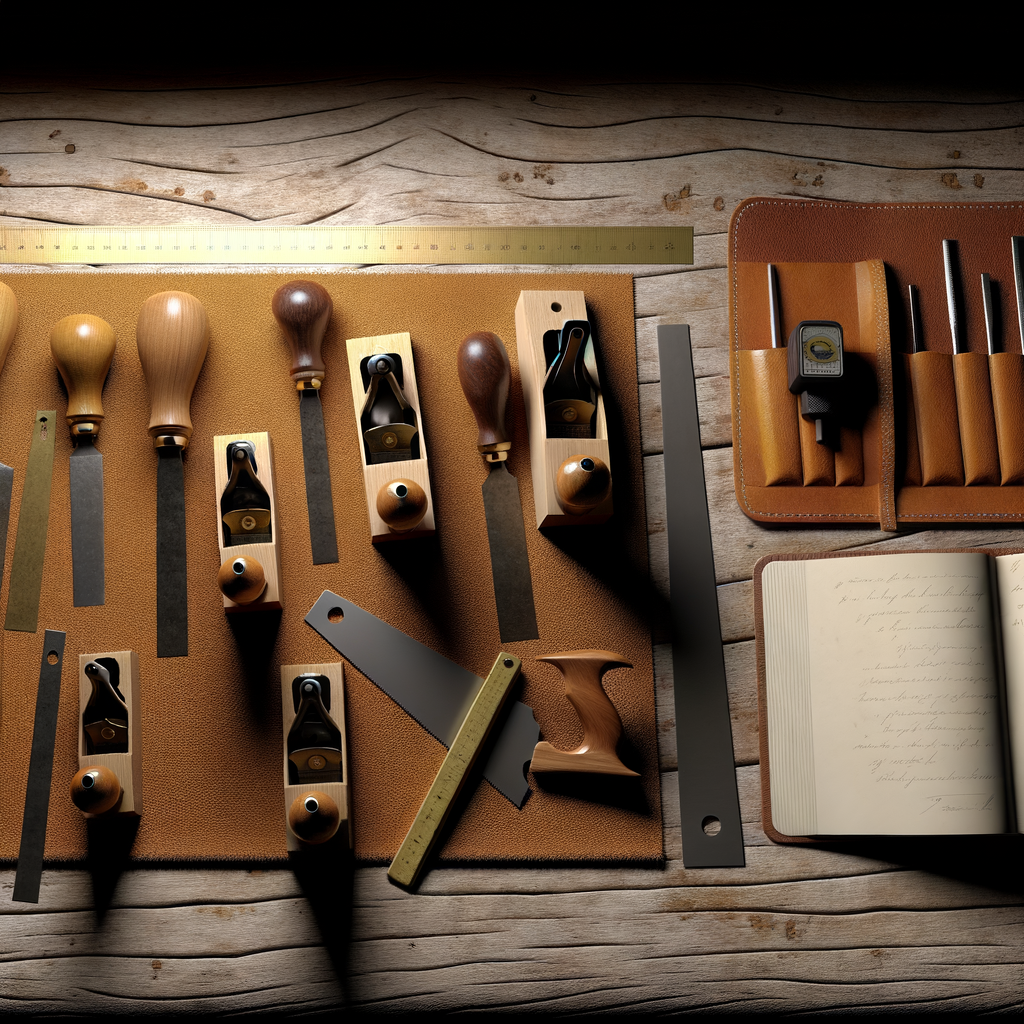
An organized collection of woodworking hand tools and notebook on a workbench
Track every tool, every joint, every glue-up — without a spreadsheet.

Who built this?

Hi, I'm Teagan.

I'm a software developer by trade and a woodworker by stubbornness. My business partner Bert and I started OneCut Shop because we kept seeing the same gap: there are great commercial tools for production shops with five-figure budgets, and then there's nothing for the rest of us. The hobbyists, the side-gig builders, the one-person operations.

I've been building this in evenings and weekends for the last few weeks. It started as a segmented turning calculator (the very first module) and grew because I kept needing one more thing. Every time, I'd build it, share it with Bert, and ask "would you use this?" If the answer was yes, it stayed.

It's free during the beta. After beta, the offline app stays free. We're planning a paid cloud-sync tier for shops that want their data on multiple devices — but the core tools will always be free for anyone with a workbench.

— Teagan & Bert

Join the private beta

We're looking for 50 testers.

No commitment, no NDA, no nonsense. Use it, tell us what's broken, tell us what's missing, tell us what you wish it did. In exchange, you'll have free access for life to anything we build, and your name (or initials, your call) goes in the credits when we launch.

We'll never sell your email, never spam you, and we'll delete your info if you ask. Replies usually come within a day or two from a real human.